Virtual Wardrobe
Letting shoppers try outfits on a mannequin customized to them before they buy, to cut fit uncertainty and returns.
TL;DR
- Engineer & Product Designer
- Designer
- Mobile app
- Building with AI
01 — Project Overview
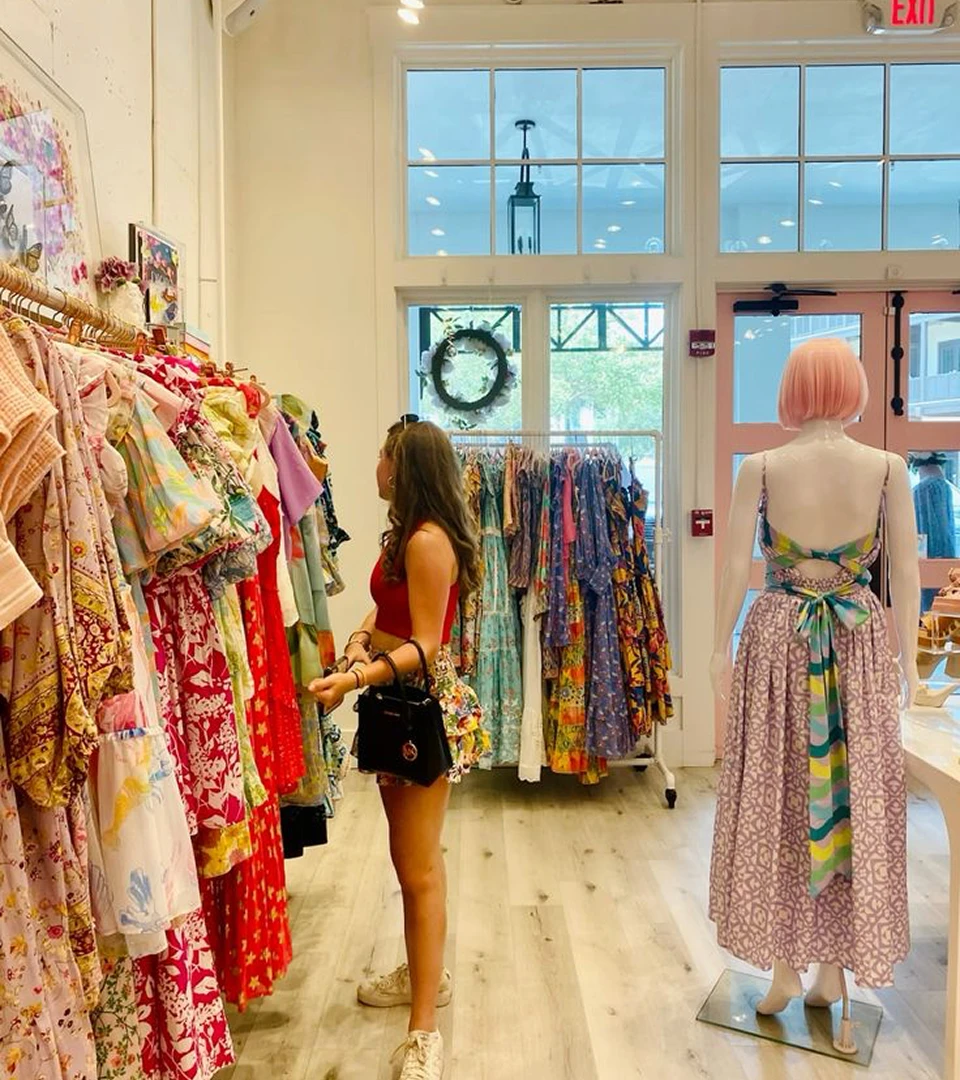
Virtual Wardrobe is a fashion shopping platform that transforms the way we shop online.
Instead of guessing how an outfit might look, users bring fashion to life on a digital mannequin that mirrors their body size and shape.
No more flat product photos. No more “will this fit me?” anxiety. With Virtual Wardrobe, every shopper can see themselves reflected, trying on dresses, shoes, and accessories in real time, before making a choice.
The goal is simple but powerful. To make online fashion personal, inclusive, and full of confidence. Shopping becomes less of a gamble and more of a magical, curated experience, like having your own stylist and fitting room in your pocket.
02 — The Problem
Most online shoppers have one big question:
“How will this look on me?”
Standard fashion websites show clothes on one or two body types, usually tall, slim models. But in reality, people come in many shapes and sizes. This lack of representation leads to:
Low confidence in purchases
High return rates
Frustration when clothes don’t fit
So I asked:
“What if people could try on clothes on a body that looks like theirs?”
03 — User Research & Insights
I ran surveys and mini interviews with 20 online shoppers to understand their pain points.
Below are images of the survey and interview response:
04 — Key Findings
05 — Initial Design Solution
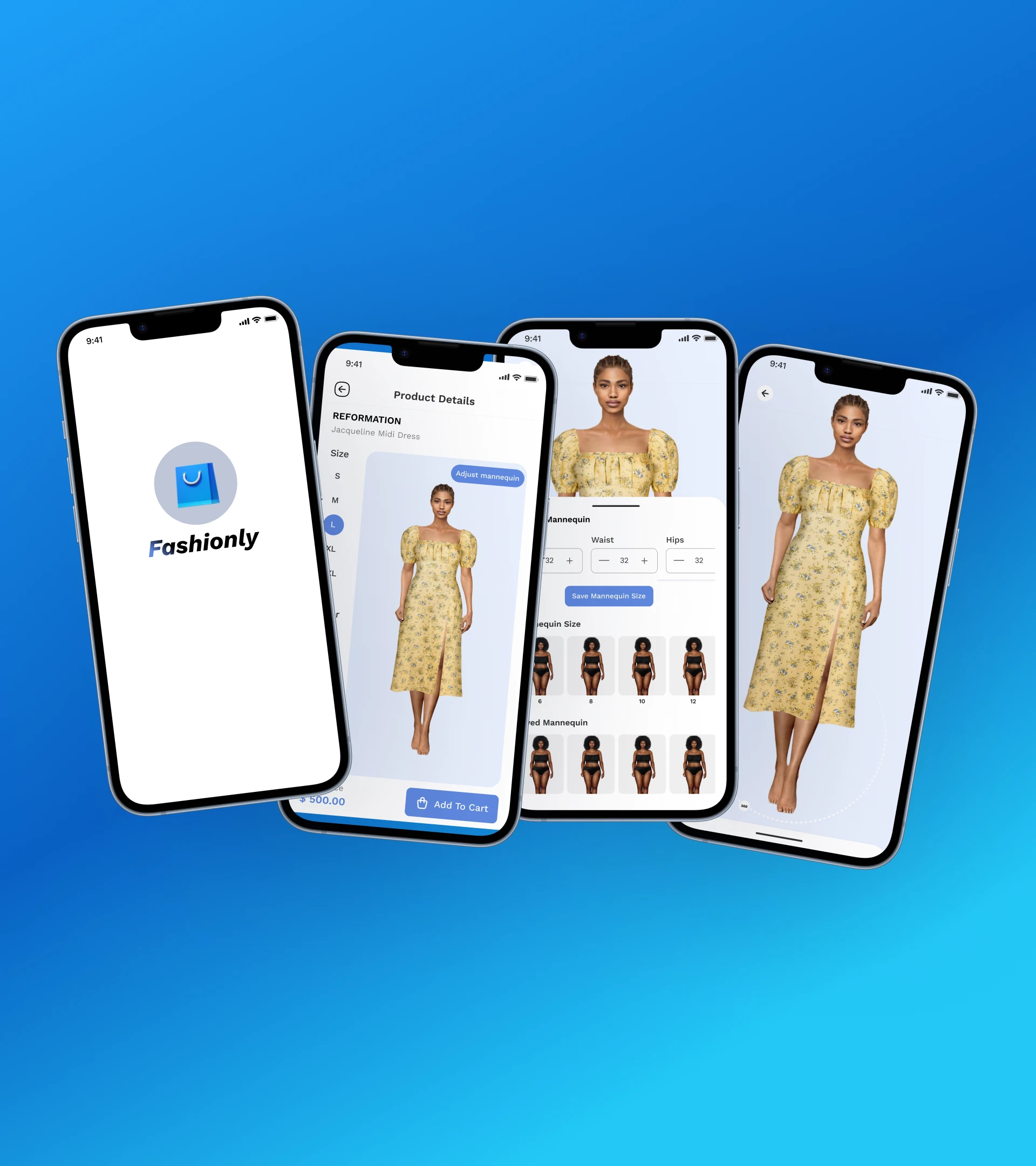
When I started working on Virtual Wardrobe, I wanted to keep the first version simple yet impactful.
I asked myself : what’s the most important thing online shoppers struggle with? The answer was clear, they can’t really see how clothes will look on their body.
So in my first iteration, I introduced a digital mannequin that users could build by entering their measurements (height, bust, waist, hips). This mannequin became their stand-in, letting them preview outfits before making a purchase. It was my Minimum Viable Product (MVP), small in scope, but powerful enough to test if people actually felt more confident shopping this way.
06 — Design Challenge
One of my biggest challenges came early on.
I didn’t have access to fancy 3D software or realistic rendering tools, only Figma. For a project about digital mannequins and virtual try-ons, this could have been a roadblock.
But instead of letting it stop me, I asked
“How can I simulate a body resizing and try-on feature in 2D?”
07 — Creative Workaround: Simulating 3D with Figma
Here’s how I brought the mannequin concept to life — without 3D:
Used Flat SVG Body Silhouettes
I found and imported SVG illustrations of diverse body types (e.g. petite, curvy, tall) from platforms like Freepik and OpenPeeps and generated some using Open AI. These represented different mannequins.
Created Mannequin Variants in Figma
Each body type was made into a component variant. When a user selects a body size (Small / Medium / Curvy / Tall), the mannequin updates accordingly using Figma’s Smart Animate.
Layered Clothing Illustrations Over the Mannequin
Prototyped the User Flow
I used Figma’s interactive prototyping tools to simulate: Creating your mannequin, Selecting an outfit, Previewing it on your body, Switching sizes and seeing the change.
- Your Mannequin
08 — User Persona
To gain deeper insights into our target users, I developed a detailed user persona.
This allows us to understand their challenges, motivations, and behaviors, ensuring that our solution is tailored to their needs and enhances their shopping experience.
09 — Empathy Map
To gain deeper insights into our target users, I developed an Empathy Map, allowing me to understand their thoughts, feelings, behaviors, and challenges.
This helped align our solution with their true needs, ensuring a more intuitive and user-centric experience.
10 — Second Iteration: Making it Better
My first MVP worked, but honestly, it looked mid, too plain to inspire confidence.
It didn’t fully capture the vision of Virtual Wardrobe. Instead of stopping there, I used this as motivation to rethink the experience and explore new ways to add more value for users.
Fit Confidence Score
Automatically rate how well a garment is likely to fit based on fabric type and user measurements.
AI Outfit Recommendations
Automatically rate how well a garment is likely to fit based on fabric type and user measurements.
AR Try-On (Coming Later)
Use the phone camera to project clothes onto the user's body in real time.
Selfie-Based Mannequin Creation
Instead of typing measurements, users could upload 2 photos to generate a mannequin.
Virtual Stylist Chatbot
Suggest full outfits for different occasions or seasons.
Moodboard Feature
Users can drag outfits into a visual canvas to build and compare looks.
11 — User Journey
Step 01: Splash screen
- Splash Screen
- Slay Before You Pay
- Fashion Picks, Powered by AI
Step 02: Sign in and sign up
- Sign In
- Sign Up
Step 03: Create your mannequin
- 1 Basic Measurements
- 2 Body Shape
- 3 Skin Tone
- Your Mannequin
Step 04: Discover and For You
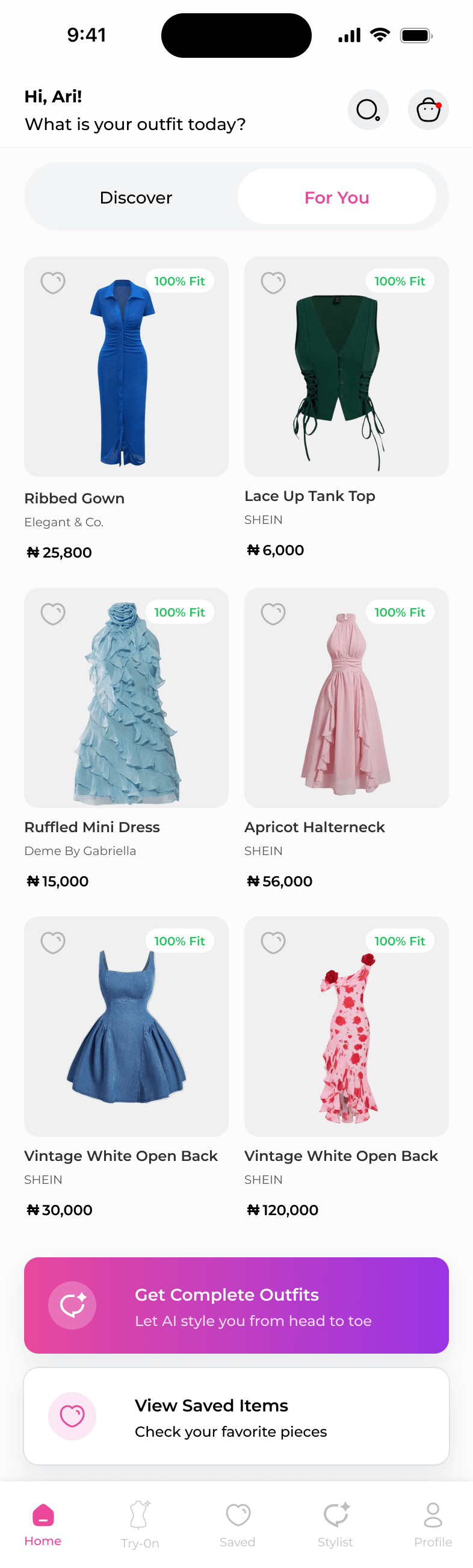
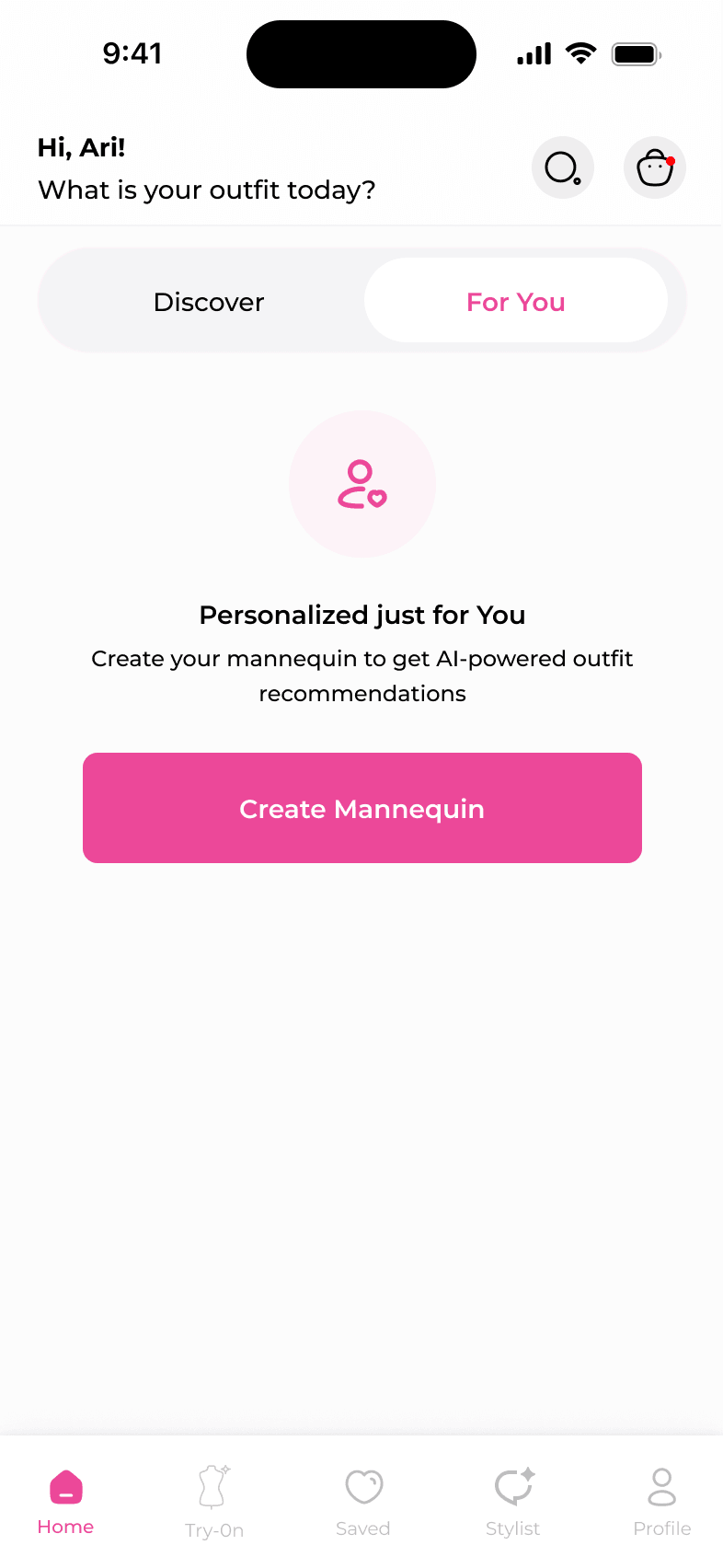
- Discover
Step 05: Product details and fit scores
- Everyday Wear
- Ribbed Gown
- Fit Adjustment
- Flowered Gown
- Fit Adjustment: Tight
Step 06: Front and back view
Ribbed Gown, Front View Ribbed Gown, Back View Flowered Gown, Front View Flowered Gown, Back View Step 07: Complete your look
- Complete Look
- Belted Bag added
- View in Full
Step 08: AI Outfit Assistant
AI Outfit Assistant
What’s the occasion?
What’s your budget?
Favorite brands?
Your style vibe?
Color & Fabrics
Your AI Generated Outfit
Complete Look
Total Outfit
Step 09: Swapping the look
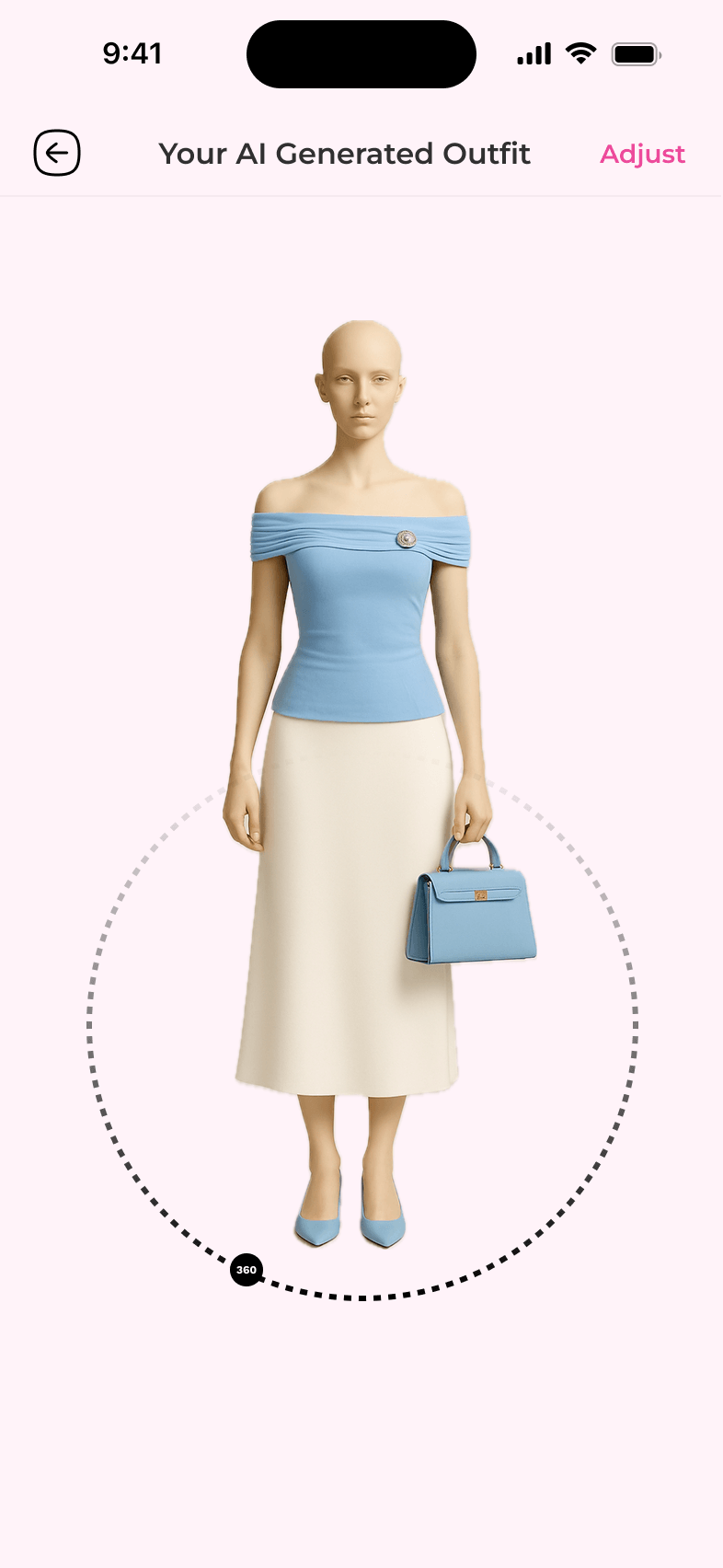
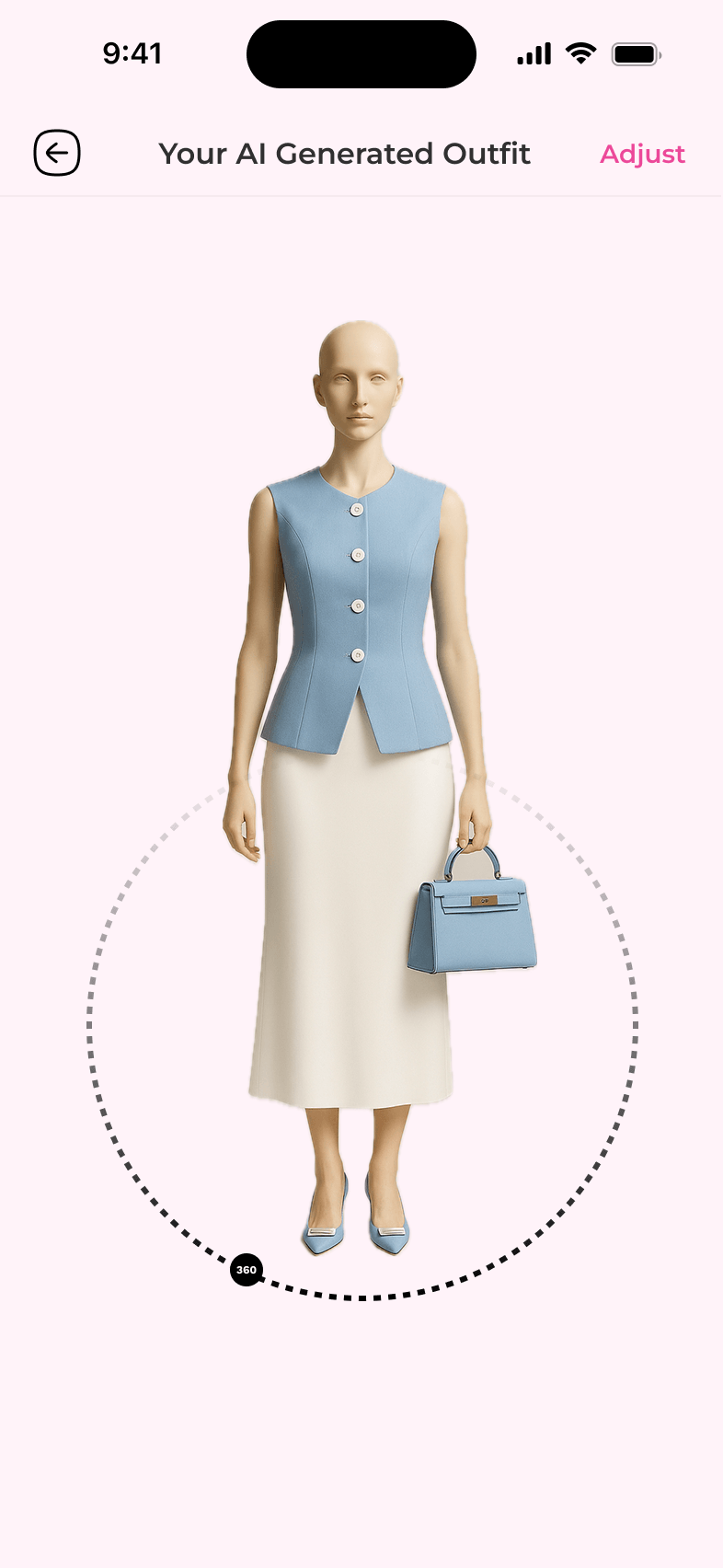
12 — Competitive Analysis
To better position Virtual Wardrobe in the market, I conducted a competitive analysis comparing it with platforms like Google Shopping, Doji, DressX, Whering, and Stitch Fix.
The goal is to identify gaps, understand existing strengths, and highlight opportunities where Virtual Wardrobe can stand out.
13 — Business Value
Virtual Wardrobe is not just about trying on clothes digitally.
It’s designed to solve real business challenges in fashion e-commerce.
Lower Returns
Fit Confidence Score reduces size and fit guesswork, leading to fewer product returns.
Higher Cart Size
AI-driven upselling through “Complete the Look” encourages users to add more items per order.
Customer Loyalty
Moodboards and the AI stylist create a more engaging and personalized shopping journey, keeping users coming back.
Brand Partnerships
Fashion brands can pay for placements in AI-powered recommendations, unlocking new revenue streams.
14 — Key Success Metrics to Track
As Virtual Wardrobe prepares for rollout, these are the core metrics I’ll be tracking during testing to evaluate user engagement, platform adoption, and feature effectiveness.
Digital Mannequin Creation
- Accuracy Rating: Percentage of users who feel mannequin matches their body
- Completion Rate: Percentage of users who successfully create a mannequin without drop-off
- Time to Create: Avg. time to set up mannequin
Try-On Flow
- Task Success Rate: Percentage of users who can preview outfits on mannequin
- Fit Confidence Score : User-rated confidence in fit
- Time on Task: Avg. time to try one outfit
AI Outfit Recommendations
- Creation Rate: Percentage of users interacting with AI picks
- Add-to-Cart from AI: Percentage of AI-suggested items added to cart
- User Satisfaction: “These recommendations fit my style”
Moodboard Feature
- Creation Rate: Percentage of users who build at least one moodboard
- Session Length: Avg. time spent editing/curating
- Sharing Rate: Percentage of moodboards shared/saved
Virtual Stylist (AI Chatbot)
- Completion Rate : Percentage of users who complete an outfit request
- Response Helpfulness : Rated usefulness of AI suggestions
- Return Intention : Percentage of users who say they’ll use stylist again
15 — Final Thoughts
“Design is not just about beautiful interfaces, it’s about solving problems with what you have.”
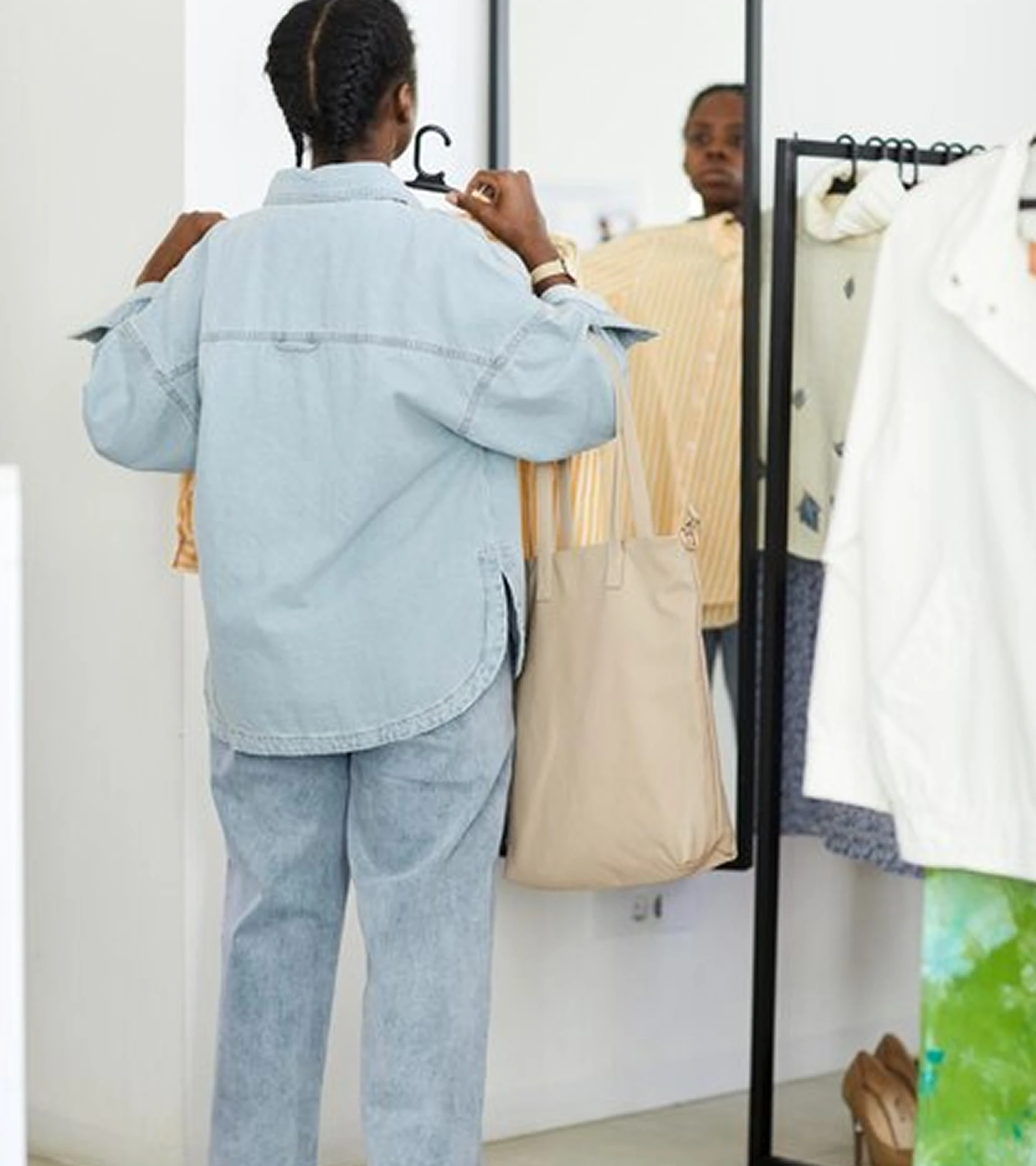
Working on Virtual Wardrobe taught me how to turn a complex idea into a working prototype, even with limited resources. I didn’t have access to 3D or AR tools, but that didn’t stop me. Using creative thinking and storytelling, I brought the idea to life in Figma and proved the concept.
I believe this product can help people feel more seen, included, and confident in how they shop.